


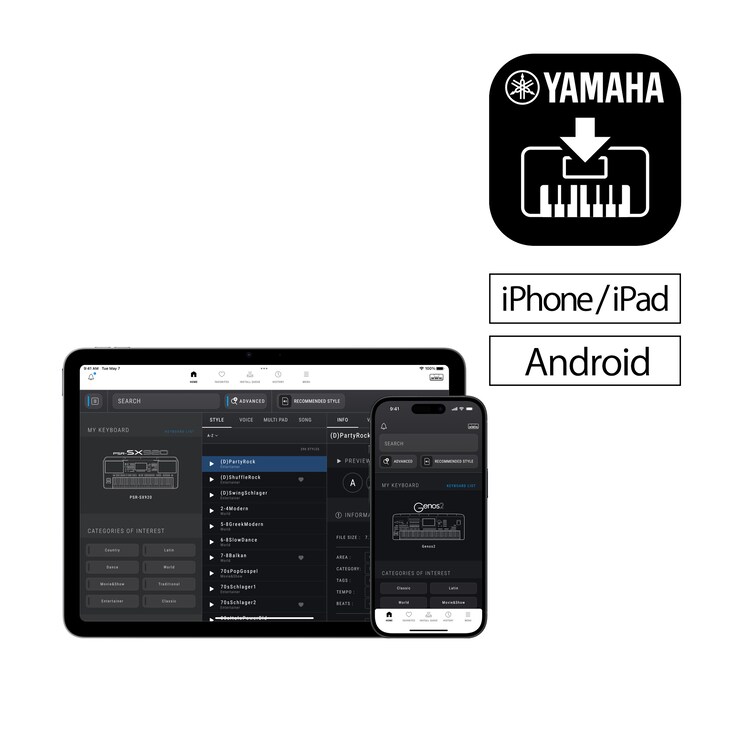
Welcome to EXPANSION EXPLORER, a one-stop solution for discovering, installing and managing Expansion content on Yamaha PSR-SX920/SX720/A5000 and Genos2 Arranger Workstations.


Welcome to EXPANSION EXPLORER!
A one-stop solution for discovering, installing and managing Expansion content on Yamaha PSR-SX920/SX720/A5000 and Genos2 Arranger Workstations.
-
APP WALKTHOUGH
Enhance your playing experience with Expansion Explorer, which helps you manage and install Expansion Content more easily.
-
What's new in Version 1.5
Introducing a new Launcher Menu, Preset search, and smarter content management.
What is Expansion Content?
Expansion Content includes free additional Voices, Styles, MultiPads, and more for you to install and enjoy on your Arranger Workstation. A growing library of Expansion Content is already available, featuring a diverse range of instruments and Styles from around the world.

Search
Access Search instantly from the new Launcher Menu and explore both Expansion and Preset content when connected to your instrument. Use advanced filters to refine results by country, tempo, beat, and more.

Style Recommendations
If you have an audio file of the song you want to play, EXPANSION EXPLORER can analyze it and recommend the most suitable Style from the Expansion Content library for your performance.

Pre-listen
Content can be auditioned in the app before installation. You can listen to the auditions anytime, even without being connected to your instrument.

Install
The app installs your chosen content directly to your instrument. Depending on your instrument’s specification, this is done wirelessly or via a USB cable.

Content Management
Manage your Registration Banks and Playlists with ease - view contents, rename items, and adjust the order. On Windows and Mac, you can also import and install third-party content such as Packs, Styles, Voices, Songs, and Registrations directly to your connected instrument.

Cautions
Contents already installed by Yamaha Expansion Manager into the Expansion area of your keyboard, including pre-installed content in PSR-SX920 and 720, will be removed when installing new content from Yamaha EXPANSION EXPLORER.
About pre-installed content in PSR-SX920 and 720, you will be able to reinstall them through the EXPANSION EXPLORER app, if desired.
* Specifications are subject to change without notice. The colors and finishes shown may vary from those on the actual products.
