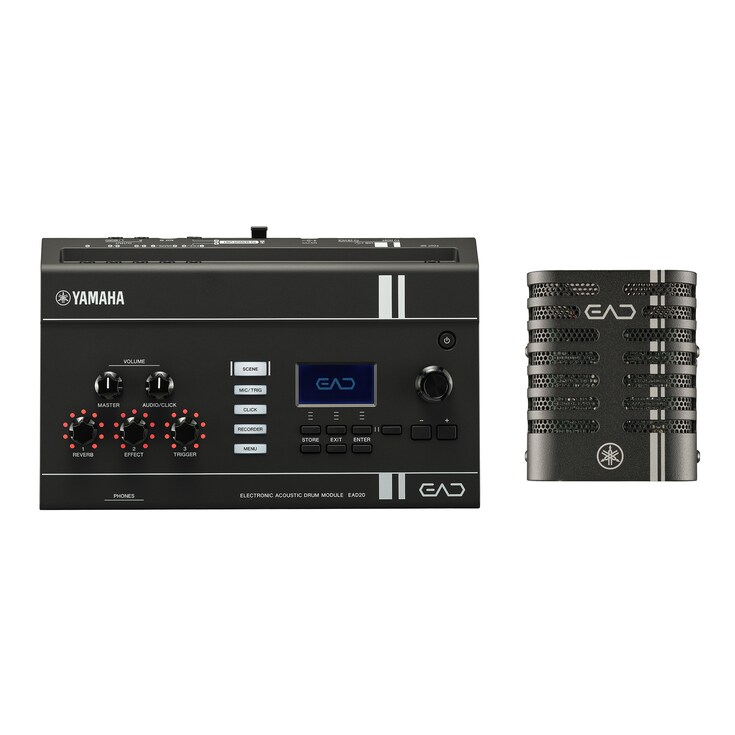





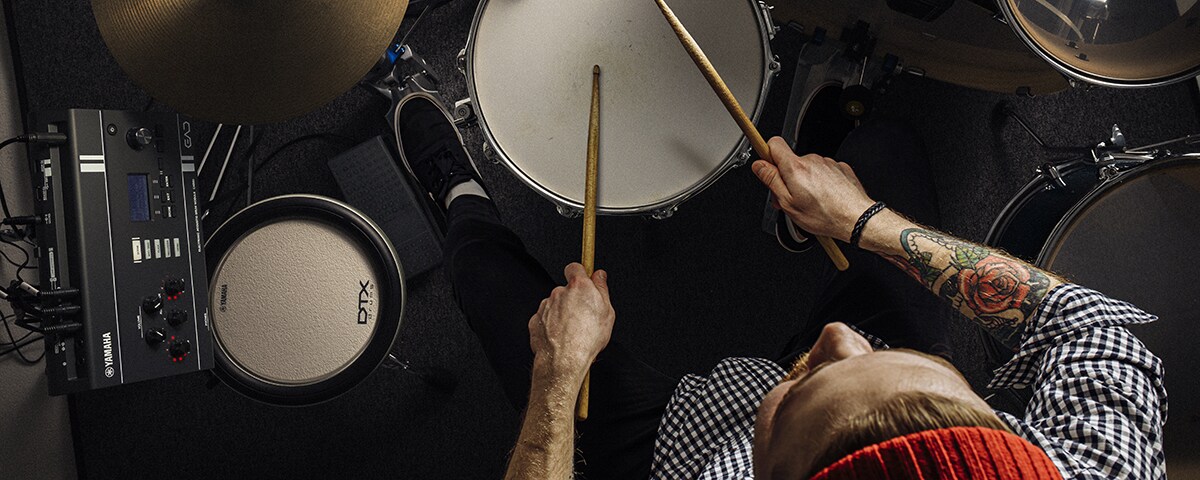

Compact and simple configuration for high-quality recording, featuring a wide range of hybrid sounds. Greatly expands the possibilities of drumming and other musical activities.

  • Includes a newly developed sensor unit in order to capture the sound of acoustic drums in a more natural and three-dimensional way.
  • Equipped with a wide range of drum/percussion sounds (Voices), high-quality effects, and reverb, it features versatile hybrid performance capabilities for combining acoustic drums and electronic sounds.
  • USB audio interface function supports a wide range of applications, including recording, streaming, online lessons, and DAW production.
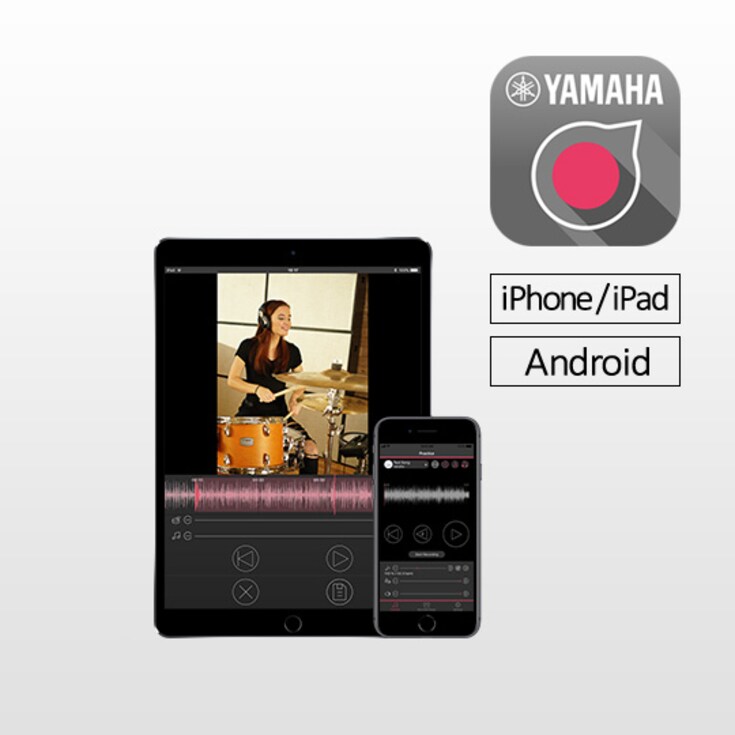
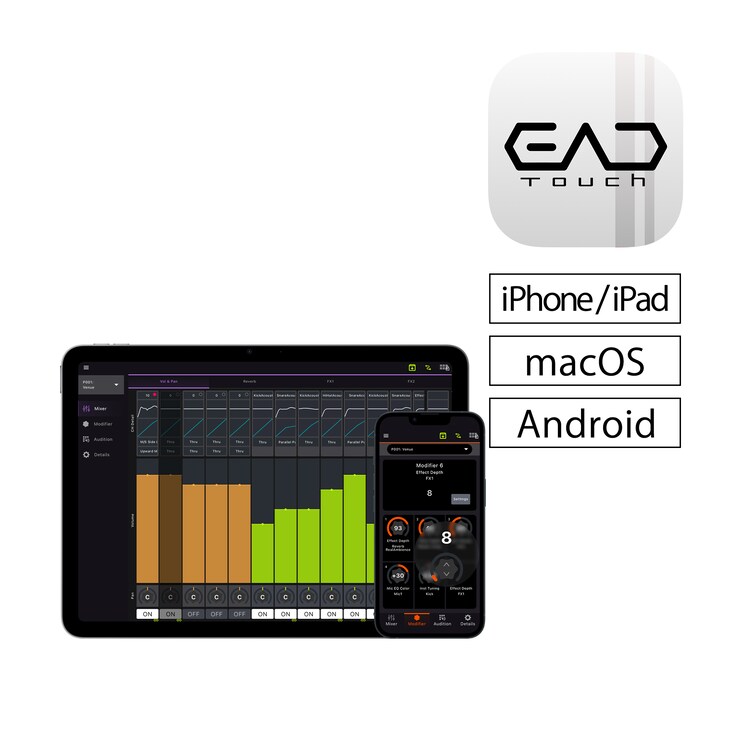
  • Compatible with the Rec’n’Share and EAD Touch apps. From video capture and audio recording, editing, and making detailed settings, it can be intuitively operated using a smartphone.

Product Overview

The EAD (Electronic Acoustic Drum Module) is Yamaha’s unique system that captures the natural sound of an entire drum kit with an exceptionally simple setup, while opening up new possibilities for drumming by combining effects and electronic sounds.

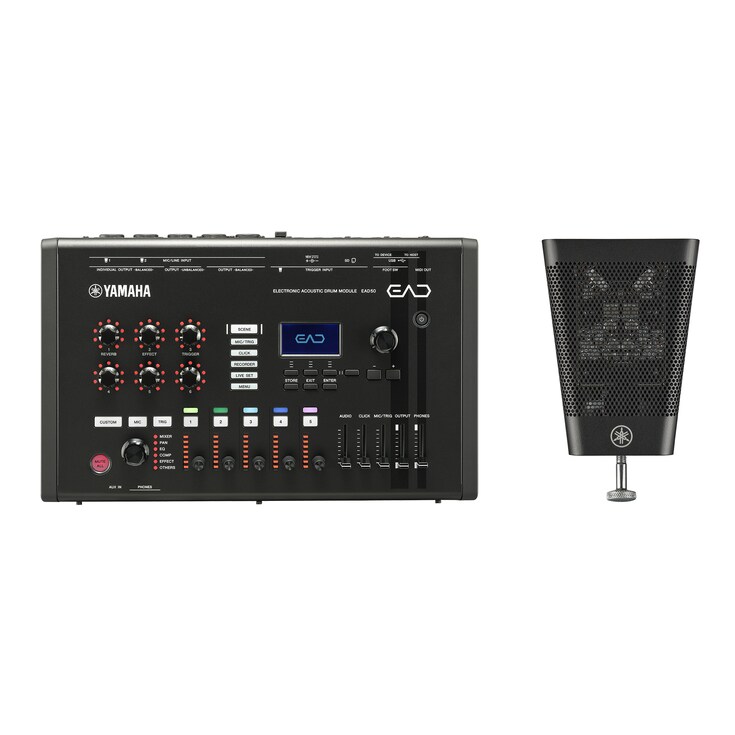
The innovative EAD20 makes this concept more accessible than ever, featuring a newly developed sensor unit and a main unit powered by the same advanced sound chip found in the flagship EAD50.

Blending the authentic resonance of acoustic drums with powerful hybrid sounds, the EAD20 elevates performance in every situation—from creating performance videos and recording to daily practice and online lessons.

New Vistas in Drumming

The EAD20 preserves the authentic feel and character of acoustic drums while giving you an easy, intuitive way to shape your ideal sound. Simply attach the sensor unit to your bass drum and instantly achieve an optimized, balanced sound—without the need for complex mic placement. Layer built-in PCM sounds and effects to create powerful hybrid performances that seamlessly blend acoustic drum tones with electronic elements.

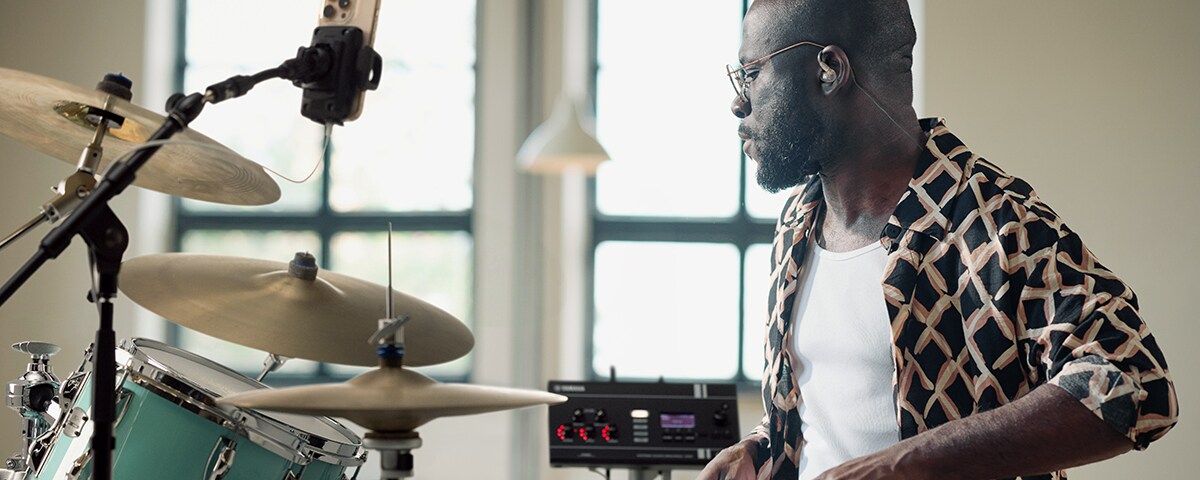
Even advanced hybrid setups are easy to control thanks to Auto Settings, which optimize trigger sensitivity and mic levels simply by playing the drums, along with the intuitive interface of the dedicated EAD Touch app. The EAD20 also enables clear monitoring through in-ear monitors in loud drumming environments, helping reduce ear fatigue while keeping you focused on your playing.

Simple yet powerful, the EAD20 is an essential tool that transforms the modern drumming experience.
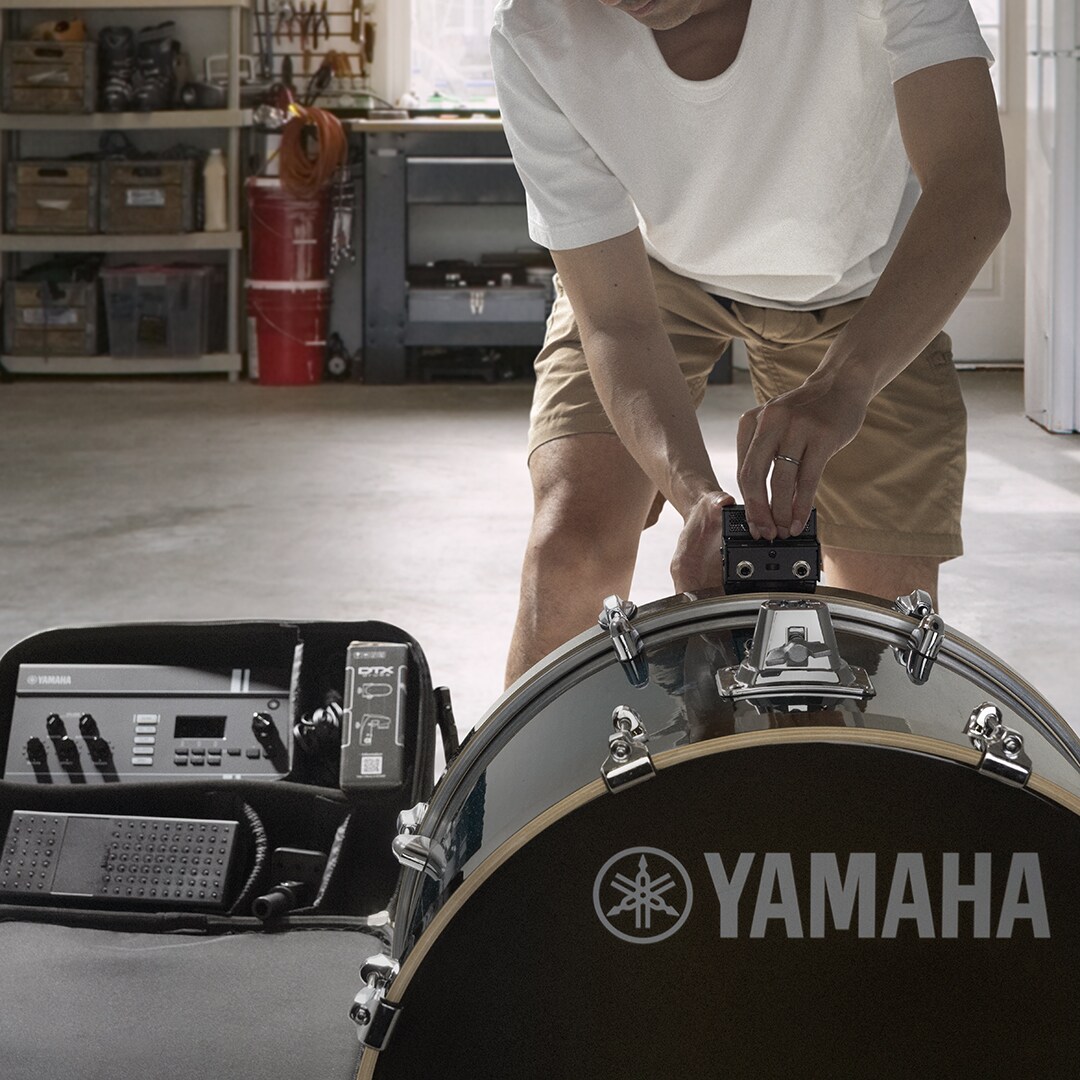
Drummer attaching the EAD20 sensor unit to a bass drum for quick setup and optimized drum sound capture.
  • App Store
  • Mac App Store
  • Google Play

Core Technology

Captures the entire drum kit with a single microphone

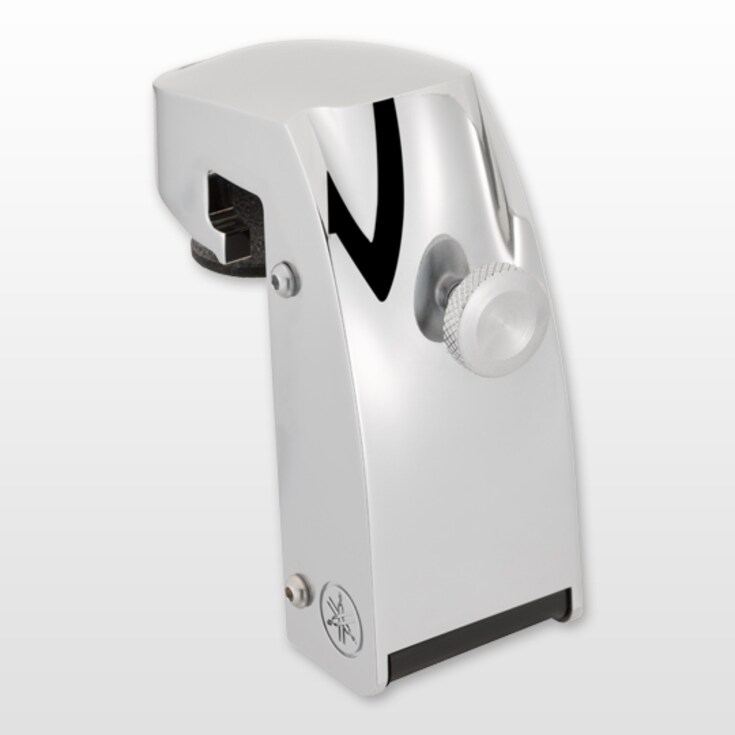
The EAD20 sensor unit features matched-pair condenser microphone capsules selected by Yamaha engineers, combined with a custom-tuned XY stereo configuration for natural, well-balanced capture of the entire drum kit.

No multiple microphones. No complicated adjustments.

With a simple setup, you can enjoy comfortable drumming in a wide range of situations, from practice and recording to live performance.

Clear, consistent drum sound with an improved housing design

The EAD20 sensor unit features a newly designed housing optimized for acoustic performance, capturing the full dynamics of your drum playing.

Its microphone assembly uses a floating mount structure that reduces unwanted vibrations and mechanical noise for clearer and more consistent sound capture.

The compact design mounts easily to the bass drum without interfering with tom placement, allowing drummers to maintain their existing setup and playing style.

The result is natural drum sound and easy operation across a wide range of playing environments.

Add depth and ambience with natural PCM sounds

The EAD20 includes a PCM sound library designed to blend naturally with acoustic drums. Each sample is crafted to enhance the acoustic drums' organic character, adding depth and presence without changing their natural tone.

Whether you’re reinforcing the kick or adding subtle ambience, the library is built to complement an acoustic performance beautifully—both live and in the studio.

Create your space with studio-level processing

Equipped with the same custom-designed DSP as the flagship model EAD50, the EAD20 delivers crystal-clear effects optimized for drums—including reverb, delay, modulation and compression. From spacious, immersive ambience to tight, studio-focused tones, every effect responds musically while preserving the detail and clarity of your playing.

This gives you precise, confident control over shaping your sound in any situation.

Hybrid Expansion

Trigger output lets you blend acoustic and electronic sounds

Beyond its role as a microphone, the sensor unit also includes a dedicated kick-trigger. This converts each bass-drum strike into a precise trigger signal for the EAD20 module, letting you layer samples in perfect sync with your acoustic playing. The trigger system is designed for stable, responsive detection across a wide dynamic range, giving you a natural feel and consistent results on stage or in the studio. The result is a seamlessly integrated hybrid drum setup, combining acoustic and electronic sounds naturally while expanding your sonic possibilities.

Add more pads easily through USB connection

With the new USB Trigger Link system, the EAD20 can connect digitally to compatible external drum sound modules, allowing you to manage up to 10 pads or triggers through a single USB cable. This removes the need for complex analog wiring between devices.

Each pad still connects to the external module as usual, while the USB link provides a single, stable communication path.

The result is a clean, streamlined setup that remains easy to manage while providing the flexibility to expand your system.

This gives drummers the freedom to personalize their setup—layering samples, enhancing articulation or building custom performance layouts that suit any musical style or stage environment.

Customize your hybrid kit with multiple inputs

With its versatile Trigger In ports, the EAD20 makes it easy to add external pads or acoustic drum triggers to your setup. Whether you’re incorporating electronic toms, an auxiliary snare, cymbal pads, or reinforcement triggers on your acoustic shells, the system responds naturally and blends smoothly with your overall sound.

This gives drummers the freedom to personalize their setup—layering samples, enhancing articulation, or building custom performance layouts that suit any musical style or stage environment.

Create your own sound with custom samples

User Voice lets you import custom audio samples and freely assign them to electronic pads and triggers.

Velocity-sensitive playback enables expressive performances with subtle dynamic nuance, while layering multiple samples within a single Voice delivers greater realism and responsiveness.

Build custom sounds and original kits tailored to your music and playing style, without being limited to factory sounds.

User Voice expands the creative possibilities of drumming, giving you the freedom not only to choose sounds, but to shape your own.

Easy Workflow

Just hit the drums and you're ready to play

Simply play a drum kit with the EAD20 attached, and the microphone levels and trigger settings are adjusted automatically for immediate playability.

No complicated setup. No time-consuming adjustments.

Even in changing live or studio environments, you can achieve an optimal setup quickly and focus on what matters most — your performance.

Shape your sound instantly with one touch

The upgraded three Modifier knobs can be freely assigned to control effects such as reverb, EQ and compression, giving you precise real-time control shaped to your preferences. With their improved resolution, the knobs respond smoothly and musically, allowing you to adjust your sound instantly—whether you’re adapting to a room’s acoustics or shifting playing styles mid-performance.

There’s no need for menu diving or complex routing. Just turn a knob and the change is immediately audible, so you can stay focused on your playing.

Control and manage scenes from your smart device

The EAD Touch app (available for Android, iOS and macOS) gives you hands-on control through a USB-C connection. Its intuitive interface lets you edit Scenes, assign effects and manage trigger settings with a workflow that feels familiar—much like using a music production tool or DAW.

You can save custom presets, organize set lists and make real-time adjustments during practice or performance, all directly from your mobile device.

Unleashing Your Potential

What is truly amazing about the EAD20 is that the moment you play the drums it instantly transforms your performance into finished content you can share. The optimally balanced sound can be used directly for recording and video production, and the device’s seamless integration with the Rec'n'Share app allows you to smoothly complete the entire video process—from shooting and editing to posting. The advanced capabilities of the EAD20 mean that you can immediately output your adlibbed fills and quickly create drum “cover” videos, without losing any of the energy in your performance.

Moreover, the EAD20 accurately monitors your own sound, letting you realistically experience subtle changes in your playing, enabling steady improvement. And since you can accurately hear and understand your own sound as you play, it provides exceptional stability in performance situations.

In fact, the EAD20 completely changes how you get your drumming out into the world, beyond just playing. Whether you’re recording, practicing, or performing—the EAD20 is virtually limitless.
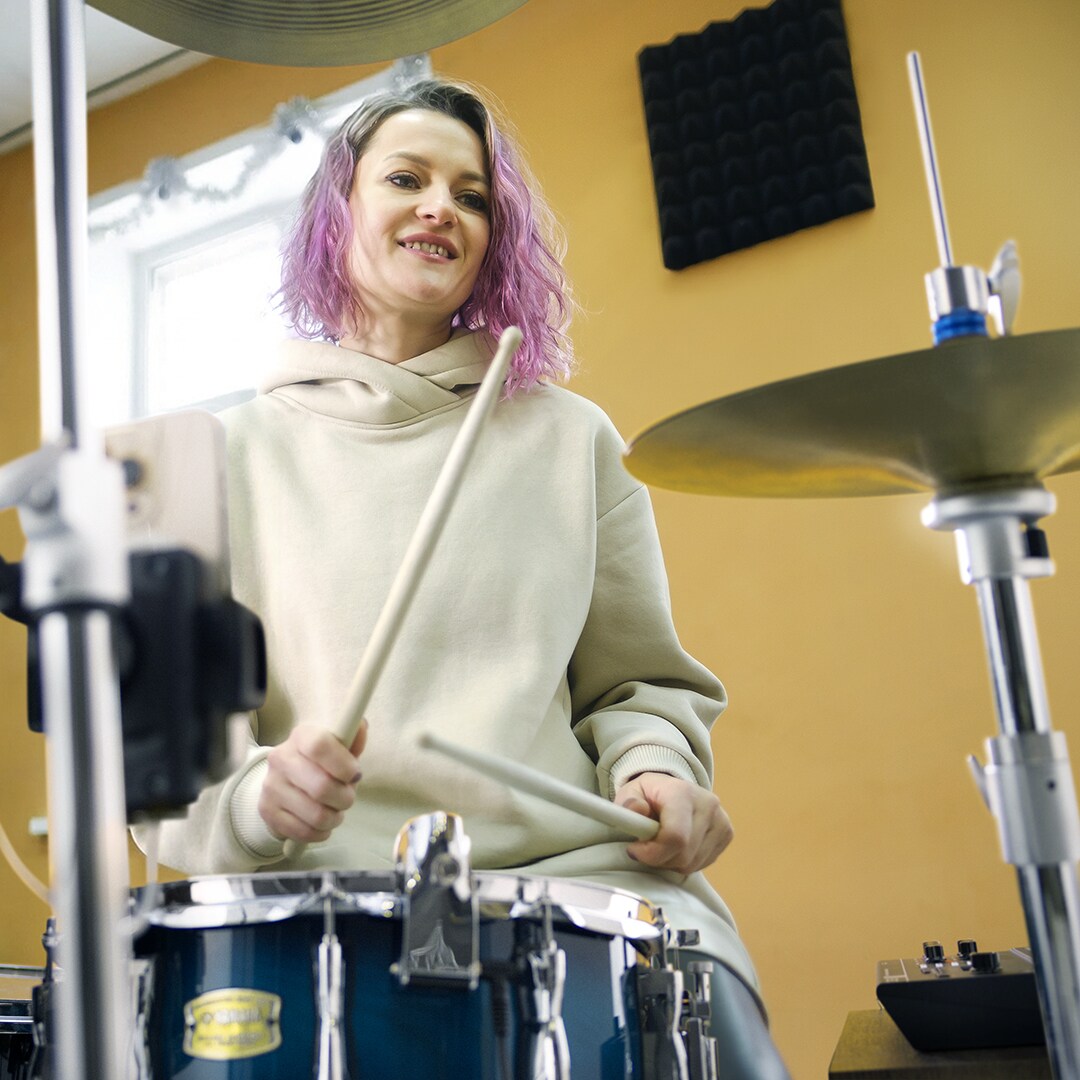
Drummer performing while monitoring an enhanced drum mix created with the Yamaha EAD20.

Use Cases

Social Media and Recording

The smartphone-based Rec’n’Share app connects with the EAD20 via USB, making it easy to add metronome clicks to backing tracks stored on your device and adjust mixes directly from your smartphone. From video capture to editing, the app streamlines the entire workflow, allowing you to share your daily performances as high-quality content with family, friends, and audiences online.

What’s more, the built-in USB audio interface enables independent multitrack recording of microphone and electronic sounds, giving drummers greater flexibility for recording and sound creation within DAW-based workflows. Flexible output routing also supports streamlined streaming setups and precise control over each sound source, helping deliver polished drum sound for recording, streaming, and content creation.

Shoot. Refine. Share.

The EAD20 makes the entire creative process smarter, faster, and more intuitive.

  • App Store
  • Mac App Store
  • Google Play
  • Smartphone displaying a drum performance video created and shared using Yamaha Rec’n’Share.

Easy, high-quality video creation with Rec’n’Share

When paired with the Rec’n’Share app, the EAD20 connects easily over USB to your smartphone, allowing you to capture high-quality music videos directly from your device. Rec’n’Share lets you play along with your favorite songs, add clicks, record audio, film performances, edit the results and upload your content—all in one smooth, streamlined workflow. It’s an easy way to share the EAD20’s high-quality sound on social media or for teaching purposes.

The app also features a proprietary source-separation algorithm that lets you strip the track to stems, and adjust the levels of drums, vocals and other elements within the original track, giving you control over the balance of your band mix.

From practice logs to fully produced videos, you can create polished, performance-ready content using only your smartphone—making the EAD20 and Rec’n’Share a uniquely convenient combination for any drummer.

Record all drum, trigger and track channels via USB

The EAD20 functions as an 8-in/10-out USB audio interface, enabling full multitrack input and output when connected to a computer and DAW. Windows users will need to install the dedicated driver.

You can assign and record individual channels for the drum microphone signals from the sensor unit, trigger-based electronic sounds, effects, backing tracks, click tracks and more—depending on your workflow.

Flexible routing for performance and production

EAD20 gives you flexible routing for Main Out, Phones, and USB Audio, letting you send microphone audio, trigger sounds, processed signals, and more wherever you need them. Send the click only to your headphones, route trigger sounds directly to the PA, or create the ideal audio setup for recording, streaming, and live performance.

With up to eight individual USB audio channels available for recording, you can capture separate tracks for greater flexibility during editing and mixing.

Practicing and Online Lessons

Want to really feel as if you’re in a band? Connect the EAD20 to your smartphone, rehearse along with your favorite songs, and experience amazing unity in your playing and sound. Enjoy monitoring with a natural balance, and experience an immersive feeling as if you were right there with the rest of the group.

Moreover, the essential click track function is fully customizable. You can set the sound of the click, time signature, and accents exactly as you like, enabling practice that is specifically tailored to your level and goals, from basic exercises to advanced rhythm training.

The convenient Talk function lets you instantly switch between playing and speaking, conveying both the dynamic nuances of your performance and the clarity of your speech, making online lessons and remote communication smoother.

Whether you’re practicing alone or connecting with others, the EAD20 transforms every moment you play drums into a more satisfying musical experience.

  • Acoustic drum kit connected to Yamaha EAD20 for practice with backing tracks, click tracks, and monitoring.

Play along with your favorite music

The EAD20 features an AUX IN jack for quick connection to smartphones and music players using a single cable.

No pairing. No complicated setup.

Simply connect your device and mix your favorite tracks naturally with your own performance for clear, immersive monitoring.

You can also connect a commercially available Bluetooth® receiver to enable wireless audio playback.

Simple, reliable connectivity keeps you focused on playing.

A fully customizable click for every practice need

You can import your own click sounds and tailor their EQ, letting you shape the tone, meter and accents exactly how you like them. Click settings can be saved per Scene, giving you up to 200 fully programmable setups.

Whether you’re practicing odd time signatures or locking in with backing tracks, the customizable click fits smoothly into your workflow.

Seamless one-touch switching between performance and speaking

The EAD20 includes a Talk function that lets you switch between your performance microphone (such as the sensor unit or an external mic) and a dedicated voice input with a single touch. You can trigger it from the main unit or assign it to a pad or foot controller for quick access without interrupting your playing—making it especially useful for online lessons and remote sessions.

During performance, the microphone focuses on your drum sound, and when you need to speak, activating the Talk function delivers your voice clearly to the listener. It also lets you add narration while recording videos, giving you smooth, seamless transitions between playing and speaking.

Protect your hearing while enjoying acoustic drumming

Drumming can expose players to sound levels exceeding 100 dB, placing long-term stress on hearing. The EAD20 features a standard 1/8-inch output compatible with most in-ear monitors, allowing you to block external sound while monitoring your performance at a comfortable volume.

By combining sound isolation with clear monitoring, the EAD20 helps reduce listening fatigue so you can stay focused on playing and enjoy drumming comfortably for years to come.

Performance

For live performance situations, having a setup where you can accurately hear your own sound is crucial. The EAD20 easily allows you to accurately monitor with consistently clear sound, regardless of the venue’s acoustics—letting you completely focus on your playing.

Moreover, intuitive operation via pads and foot controllers enables seamless, on-the-fly sound control while you perform. And by incorporating the flexible Looper and Sampler functions, you can elevate the expressiveness of your drumming to new levels.

Bringing you the confidence of being able to hear yourself clearly and the freedom of control just as you wish, the EAD20 provides a stronger foundation for your drum performance.

  • Drummer using Yamaha EAD20 during performance for real-time sound control and personal monitoring.

Hit the drums. Control your performance

Functions such as scene changes, tempo control, and effects can be assigned freely to electronic pads and triggered with a simple hit.

Pads can control functions as well as produce sound, allowing performance and operation to work together seamlessly — without reaching for manual controls.

Multiple controls can also be layered, much like layering Voices, enabling flexible real-time control of clicks, effects, and more during performance.

Control your performance with your feet

Connect footswitches or foot controllers to trigger sounds, control effects, and adjust click tempo hands-free.

Because control functions can be operated without taking your hands off the drums, you can make real-time changes without interrupting your performance flow.

Support for hi-hat control also enables more natural expression and detailed playing nuances.

By integrating control directly into performance, the EAD20 enables a more natural and flexible playing experience.

Create and layer phrases live.

Using the microphone, triggers and any other connected device , the Looper function lets you select a loop length, and then record over and over, layering up the pattern as required. This lets you create dense rhythmic feels or interesting sonic patterns.

Capture and reuse your own drum sounds

You can sample your own playing directly into the EAD20 and turn those recordings into playable sounds for performance. Sampling can be done right on the unit, and the recorded files can be edited in Cubase or any other DAW before being imported back into the module.

You can sample through any attached microphone, and can also sample external sources—such as electronic instruments or other audio gear—using the line input. If required, any pad played can also be included in the sample recording.

This makes the EAD20 a great choice for drummers who want to bring their own uniquely crafted tones into any performance.

Connection Examples

Drum kit setup examples: Basic, Hybrid

Additional Use Cases

  • Practicing

    Diagram showing EAD20 connected to a music playback device for practice sessions.
  • Online Lesson

    Diagram showing EAD20 connected to a computer or smart device for online drum lessons.
  • YouTube Video Creation

    Diagram showing EAD20 integrated with a smartphone for recording and publishing drum performance videos.
  • Home Recording

    Diagram showing EAD20 connected to a DAW-based recording system for home studio production.
  • Live/Performance

    Diagram showing EAD20 connected to live sound equipment for stage performance and monitoring.
Diagram showing a basic EAD20 setup.
Diagram showing an expanded EAD20 configuration with additional pads and trigger inputs.
Diagram showing EAD20 connected to a music playback device for practice sessions.
Diagram showing EAD20 connected to a computer or smart device for online drum lessons.
Diagram showing EAD20 integrated with a smartphone for recording and publishing drum performance videos.
Diagram showing EAD20 connected to a DAW-based recording system for home studio production.
Diagram showing EAD20 connected to live sound equipment for stage performance and monitoring.

FAQ

Yes. The EAD20 uses the same platform as the EAD50 and inherits the playing experience with high-quality effects and trigger linkage.

On the other hand, the EAD20 is equipped with many preset scenes* in common with the EAD50, but the EAD50 supports additional microphone inputs and is also equipped with dedicated scenes that utilize additional microphones. Therefore, there is a difference in the number of preset scenes installed. *“Scene” refers to a group of settings that can be called up with a single touch (or hit) to reconfigure the EAD to fit various specific situations in drum performance.

If you want a simple and compact device, the EAD20 is recommended. However, if you are looking for full-fledged expandability and versatile music production capabilities, the EAD50 is recommended. Please check the specification comparison table for details.

The EAD20 inherits the ease of use of the EAD10 but with enhanced sound sources, effects, and connectivity. The following are some of the most common updates from EAD10. Please check the specification comparison table for details.

Basic performance

- Newly developed sensor unit

- Support for high-quality sound processing

- Support for dedicated EAD Touch app

Streaming, hybrid drum performance, and live applications

- Rich new additional sounds

- Pad input, built-in USB audio interface features, enhanced routing functions

- Looper, and Sampling functions

Practicing applications

- Equipped with a mini plug (1/8”) terminal for in-ear monitors

- Significantly enhanced click function

Yes. The EAD20 functions as an 8-in/10-out USB audio interface.

Multitrack recording and editing can be done using DAW software such as Cubase, or it can be connected directly to broadcasting software for live streaming.

No. The DSU50 is a sensor unit that comes with the EAD50, and it is sold separately and can also be used as a stand-alone microphone. However, it is not intended to be used with the EAD20.

Yes. EAD Touch and Rec’n’Share are available for free download.

Comparison with the Existing Product

Apps
Free Drum Lessons: Drumeo Campaign

  • Drumeo web page

Related Information

Related Products
* Specifications are subject to change without notice. The colors and finishes shown may vary from those on the actual products.

to page top

Select Your Location